

Account setup
What if I chose the wrong broker on LongPort?
Scenario: I already selected a different broker on LongPort instead of Panda, and TQX now shows “Unsupported broker”.Go back to https://open.longportapp.com/dashboard, click your avatar in the top-right corner, and select Logout to sign out, as shown below.
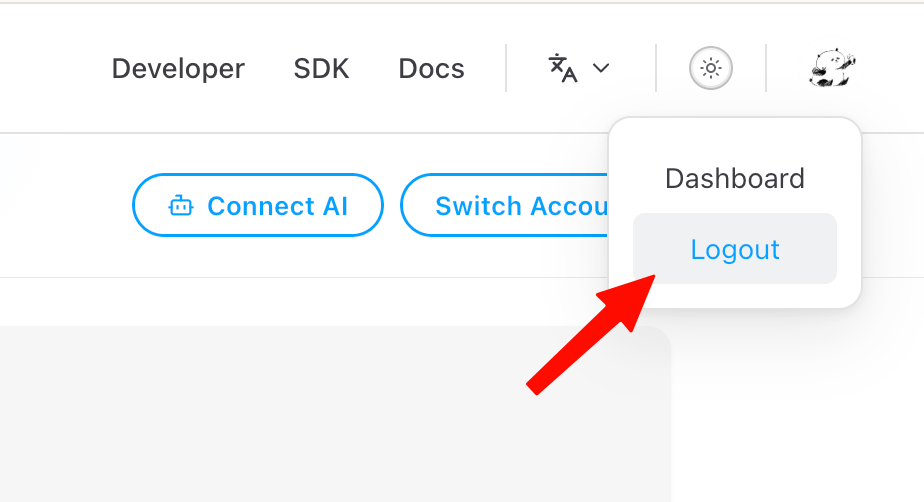
Click your avatar in the top-right corner, then select Logout