

Factor lifecycle
- Create a factor for one market in the Factor Library.
- Write the signal in formula mode or Python mode.
- Run a factor analysis with a date range, groups, direction, and market universe.
- Review group returns, IC statistics, and stability charts.
- Save meaningful code or parameter changes as a new version.
- Optimize parameters when you need a sensitivity check.
- Turn a validated factor into a strategy when you are ready to define trading rules.
Factor objects
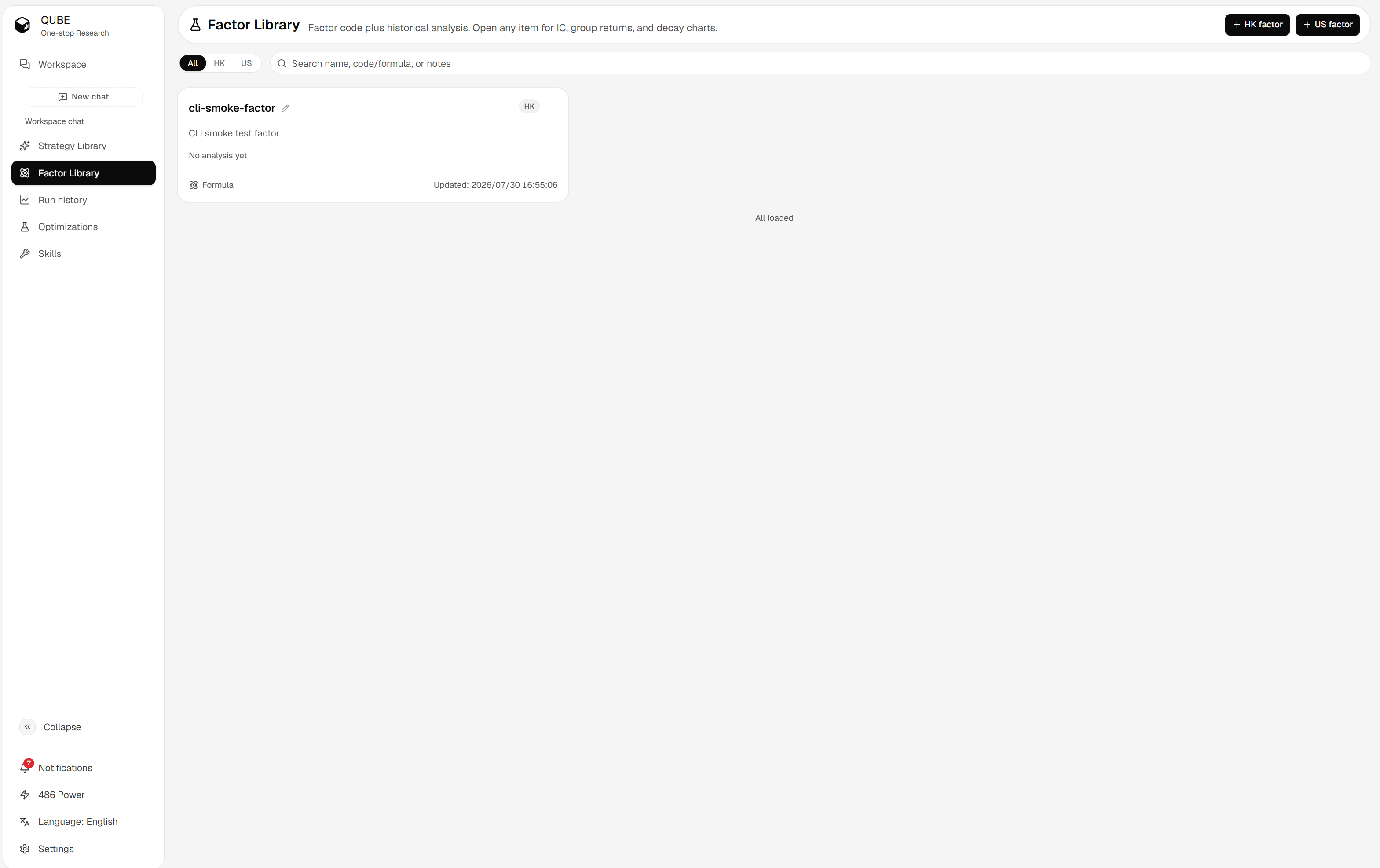
Factor Library with market filters, search, and new factor actions
Choose a workflow
- Create a factor: Add a factor to the library and choose its market.
- Write factor code: Choose formula or Python mode and follow the runtime contract.
- Analyze a factor: Set the analysis period, groups, direction, and universe.
- Read analysis results: Interpret returns, IC, Rank_IC, and stability charts.
- Manage factor versions: Compare, label, and revert snapshots without losing history.
- Optimize factor parameters: Test a bounded grid and apply the best parameters as a new version.
- Operator reference: Look up formula operators and market compatibility.
Factor analysis evaluates the signal. It does not define order execution, position sizing, or risk controls. Configure and backtest those rules in Strategy after you validate the factor.