

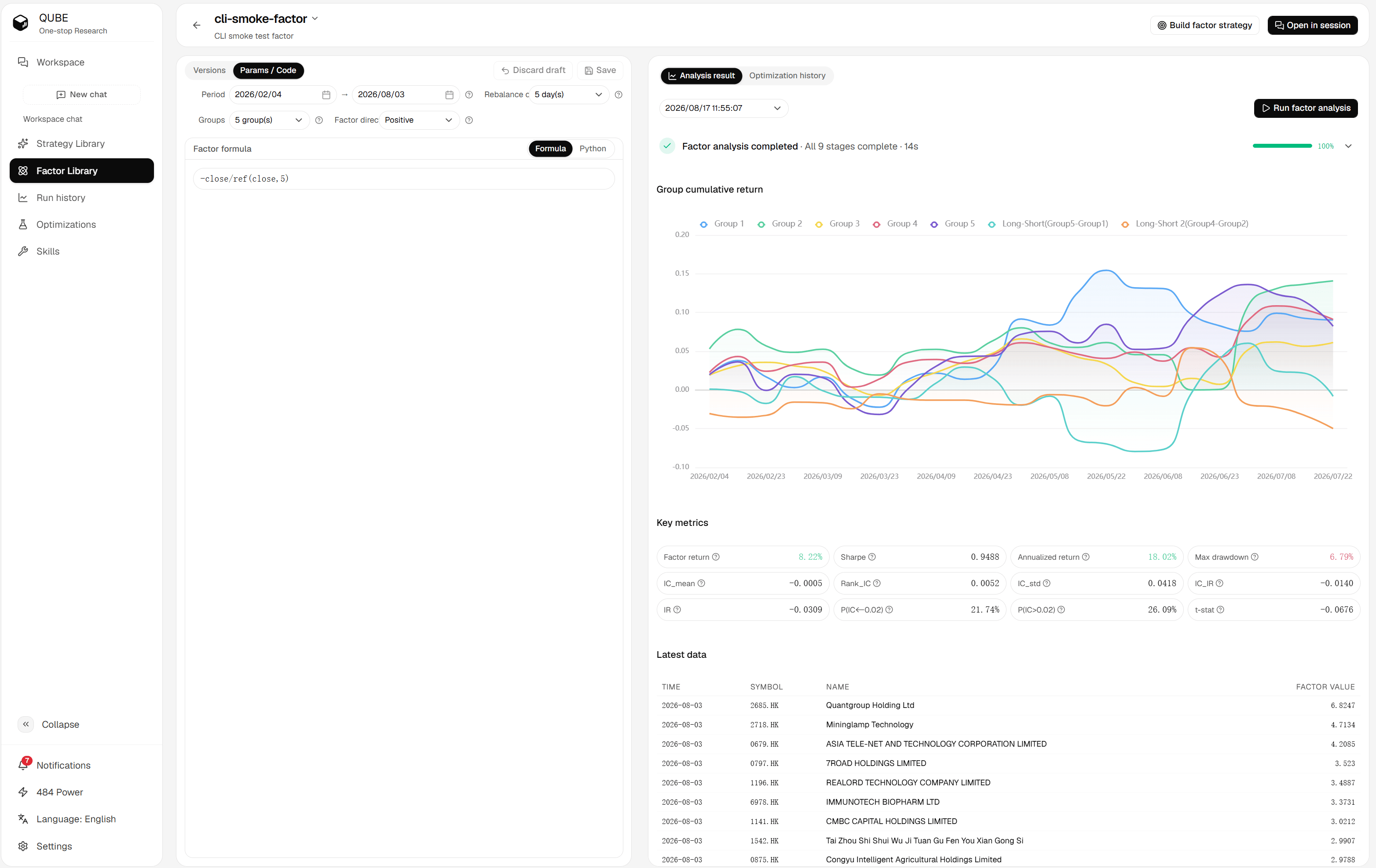
Factor detail page with analysis parameters, code editor, and result history
Configure an analysis
Set the following fields in the left-side parameter panel:
Hong Kong and US factors use their selected market universe.
Run the analysis
- Review the current code and parameters.
- Click Run factor analysis in the result panel.
- Wait for the progress stages to finish, or cancel the task if you no longer need it.
- Use the analysis history selector to switch between completed runs.
Changing only the analysis controls does not rewrite the factor code. Treat every run as a separate experiment and compare its saved parameters with the result you are reviewing.